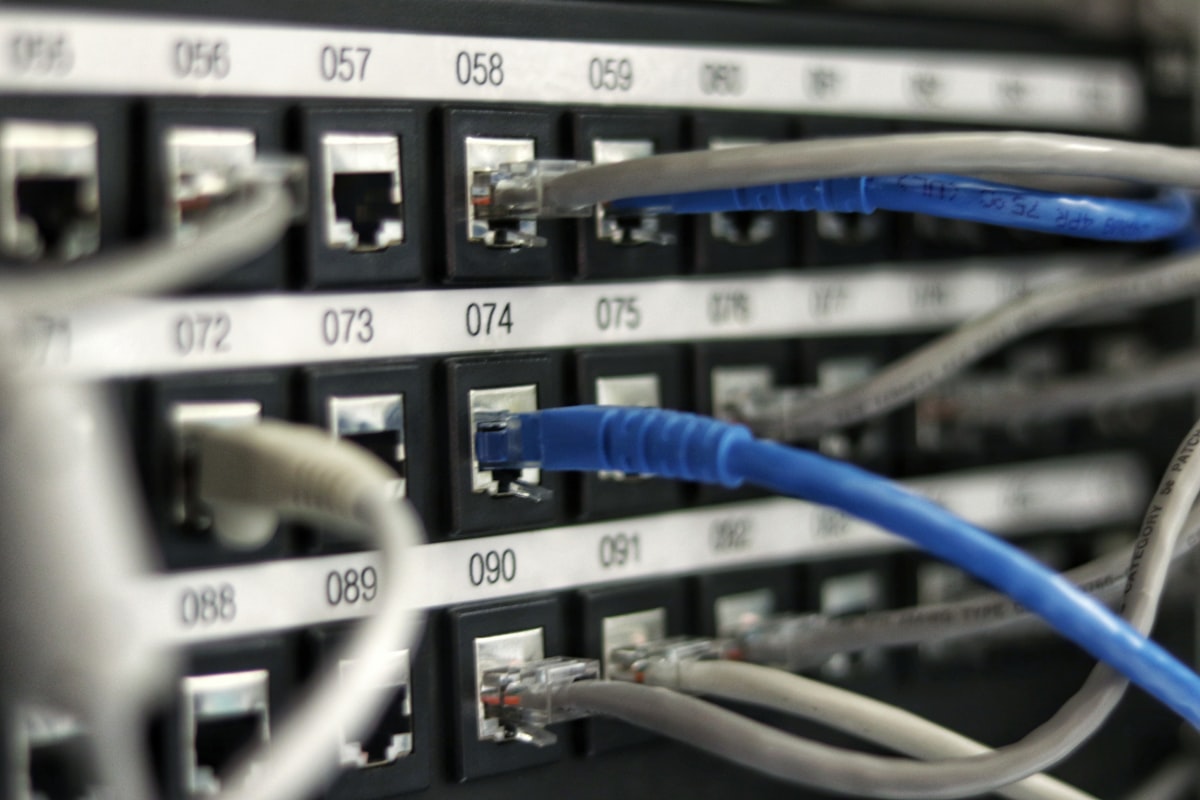
Your router isn't a fortress. The moment you type a port number into that "Port Forwarding" page, you punch a hole straight through it — and the whole internet can find that hole in minutes.
Most beginners believe a home network is invisible by default. It mostly is. Your router uses NAT, which quietly blocks unrequested traffic from outside. But self-hosting a service you can reach from your phone means opening a door. And a lot of people open that door wrong.
The myth: 'Nobody knows my IP, so nobody will find it'
They will. Automated scanners crawl every public IP address on Earth, around the clock. Tools like Shodan index open ports the way Google indexes web pages. Forward port 22 for SSH, and within an hour you'll see login attempts in your logs. Not because you were targeted — because you exist.
A fresh server with a forwarded port and a weak password gets compromised fast. This isn't rare. It's the default outcome.
Why forwarding one port is riskier than it looks
When you forward a port, you're not just exposing one app. You're exposing:
- The software version, which scanners read and match against known exploits
- Any default credentials you forgot to change
- A path into your whole home network if that app gets breached
Your smart TV, your laptop, your kid's tablet — all sit on the same network as that one exposed box.
The fix: stop forwarding ports entirely
You don't need port forwarding to reach your server from outside. Here are three safer ways, easiest first:
1. Tailscale. Install it on your server and your phone. Both join a private encrypted network. You reach your server by its Tailscale name — no ports opened, nothing exposed to the public internet. Setup takes ten minutes.
2. Cloudflare Tunnel. Runs a small program on your server that reaches out to Cloudflare. No inbound door at all. You get a clean HTTPS address and your home IP stays hidden.
3. A WireGuard VPN. More manual, but you control everything. You connect to your home network first, then reach services as if you were sitting on the couch.
All three share one principle: your server makes the connection outward, instead of waiting with an open door.
If you truly must forward a port
Sometimes you have no choice. Then:
- Never forward SSH or database ports directly
- Put everything behind a reverse proxy with HTTPS
- Use strong, unique passwords and enable two-factor login
- Change default ports — it won't stop scanners, but it thins the noise
- Check your logs weekly so you notice trouble early
Your one action today
Open your router's admin page and look at the Port Forwarding section. If anything is listed there that you don't remember adding — or that points to SSH, remote desktop, or a database — remove it. Then set up Tailscale instead. You'll reach everything you need, and the scanners will find a closed door.